

Description
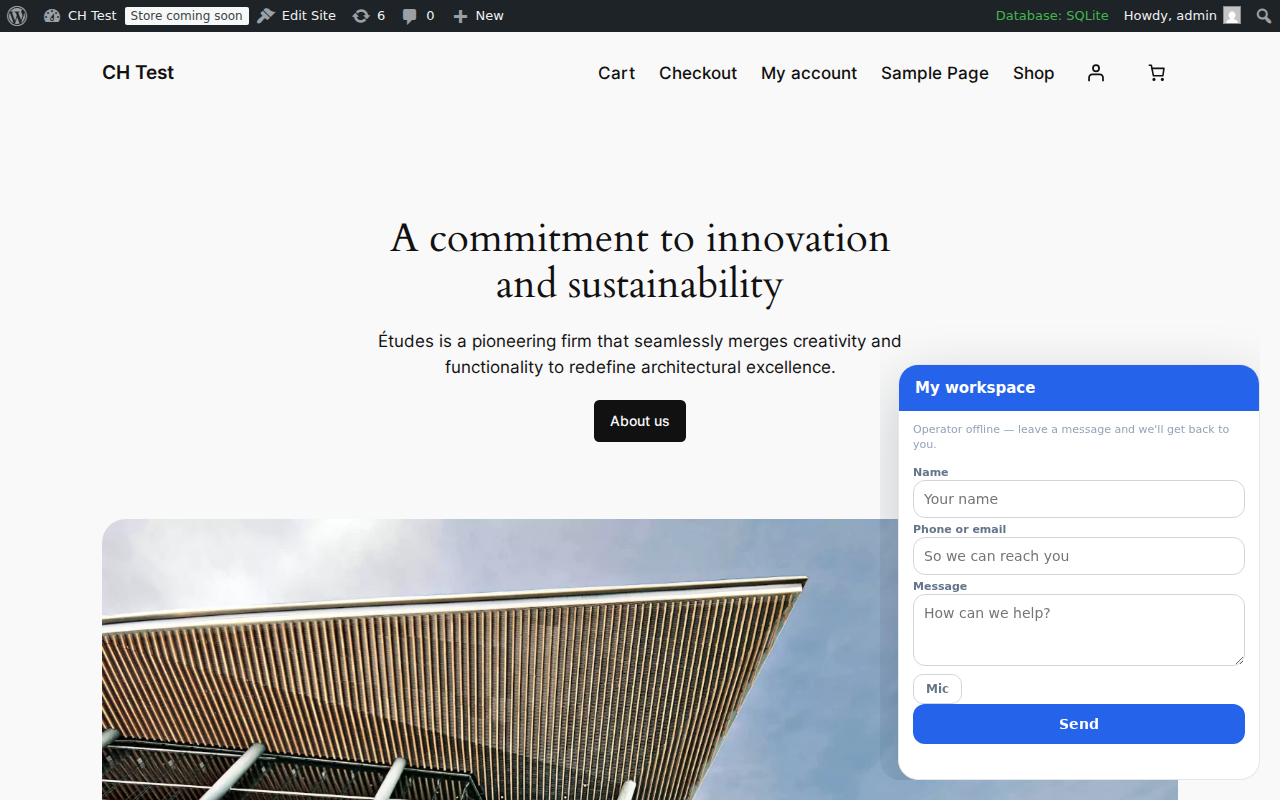
Clients.Help turns your WordPress site into a full intake point for chats, voice messages, and booking requests. This plugin connects your site to a Clients.Help workspace and adds:
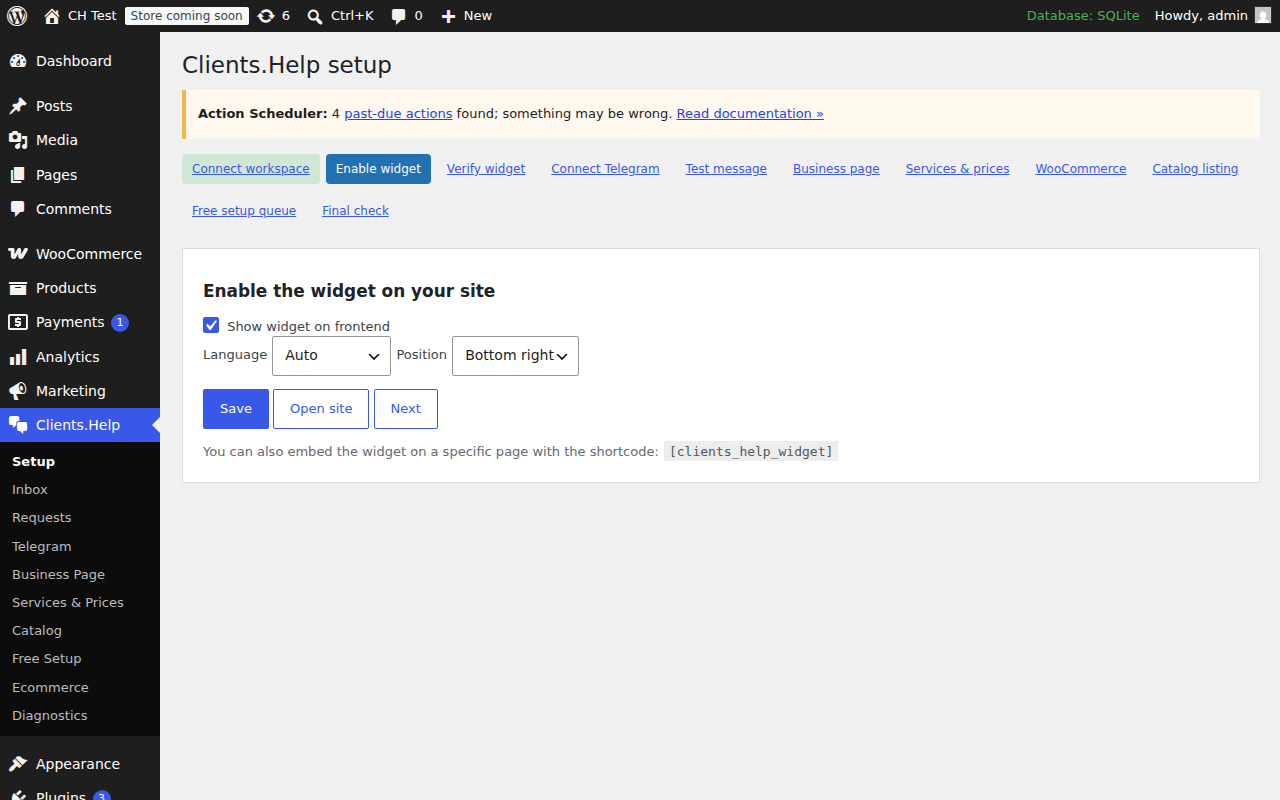
- The Clients.Help widget on your frontend (with shortcode and Gutenberg block).
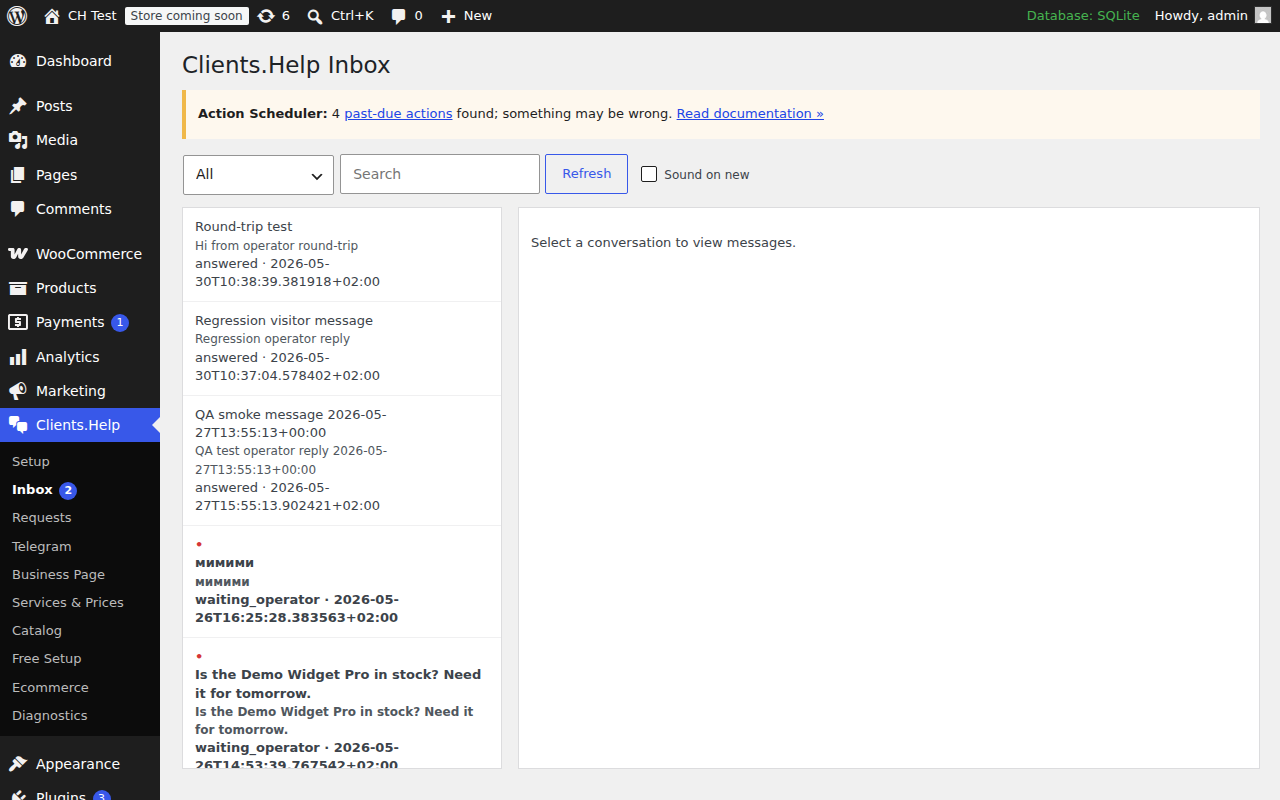
- An Admin Inbox so operators can answer visitors without leaving WordPress.
- Voice-message playback and transcript display.
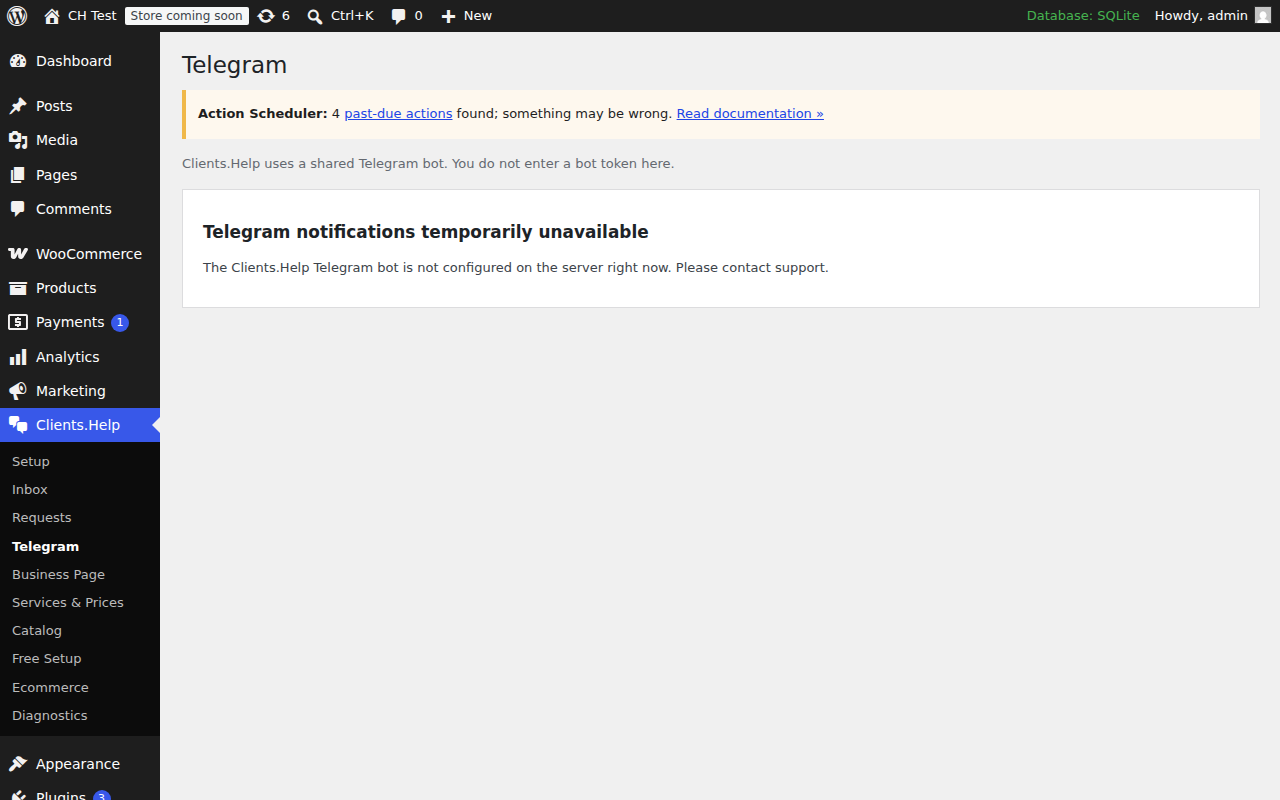
- Shared-bot Telegram connection (no bot token entry required).
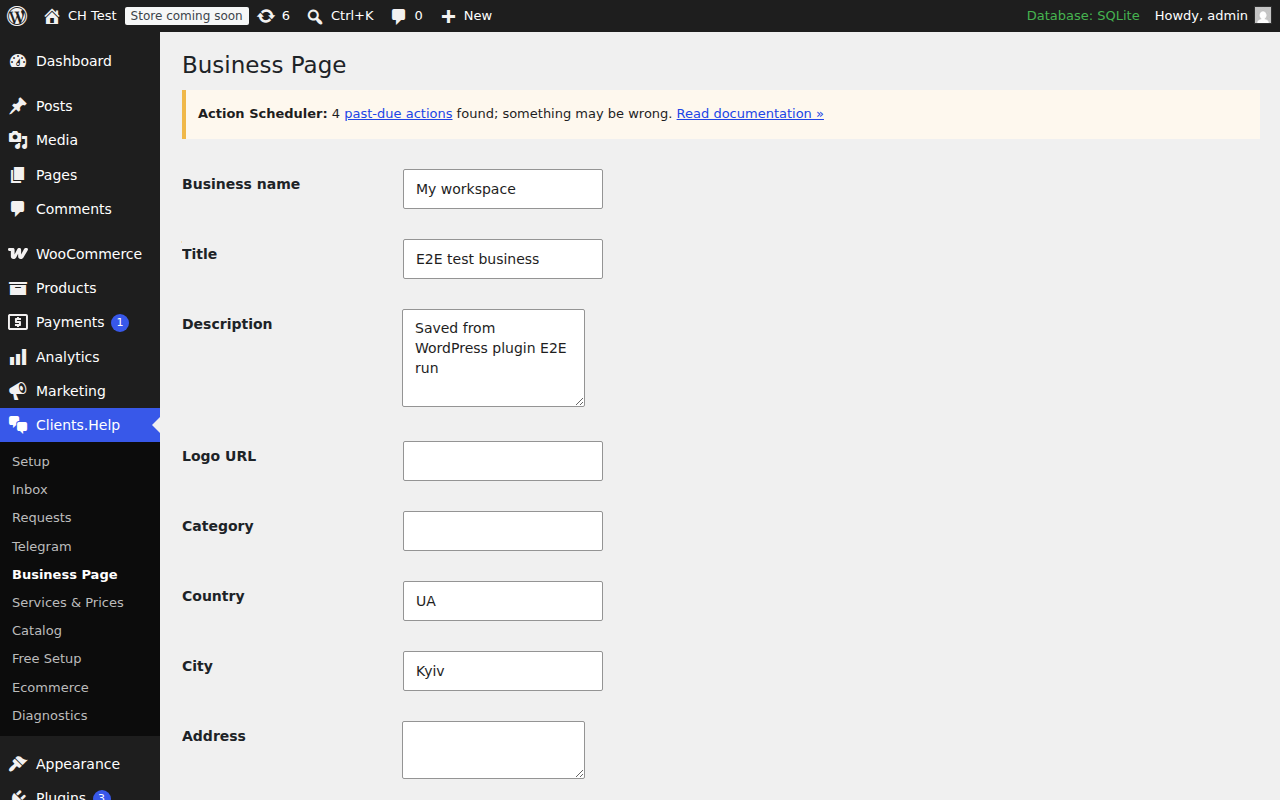
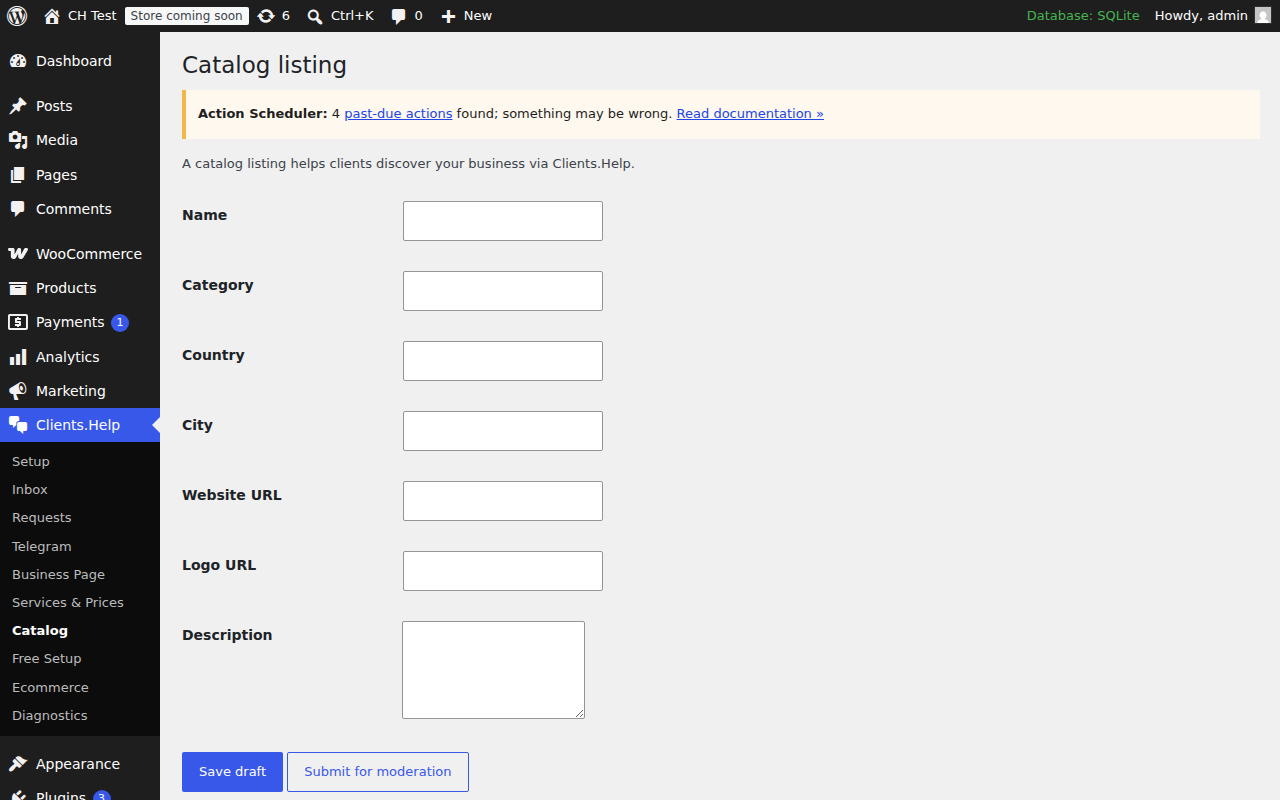
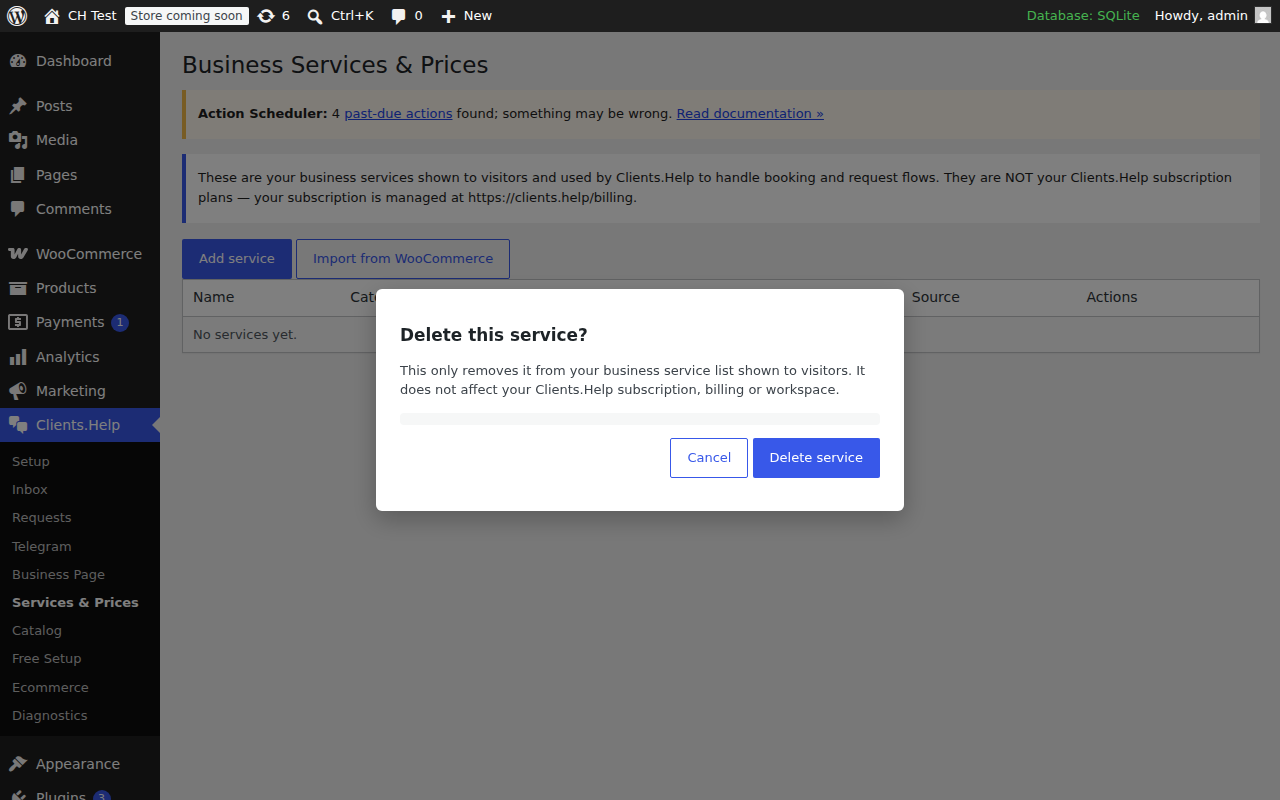
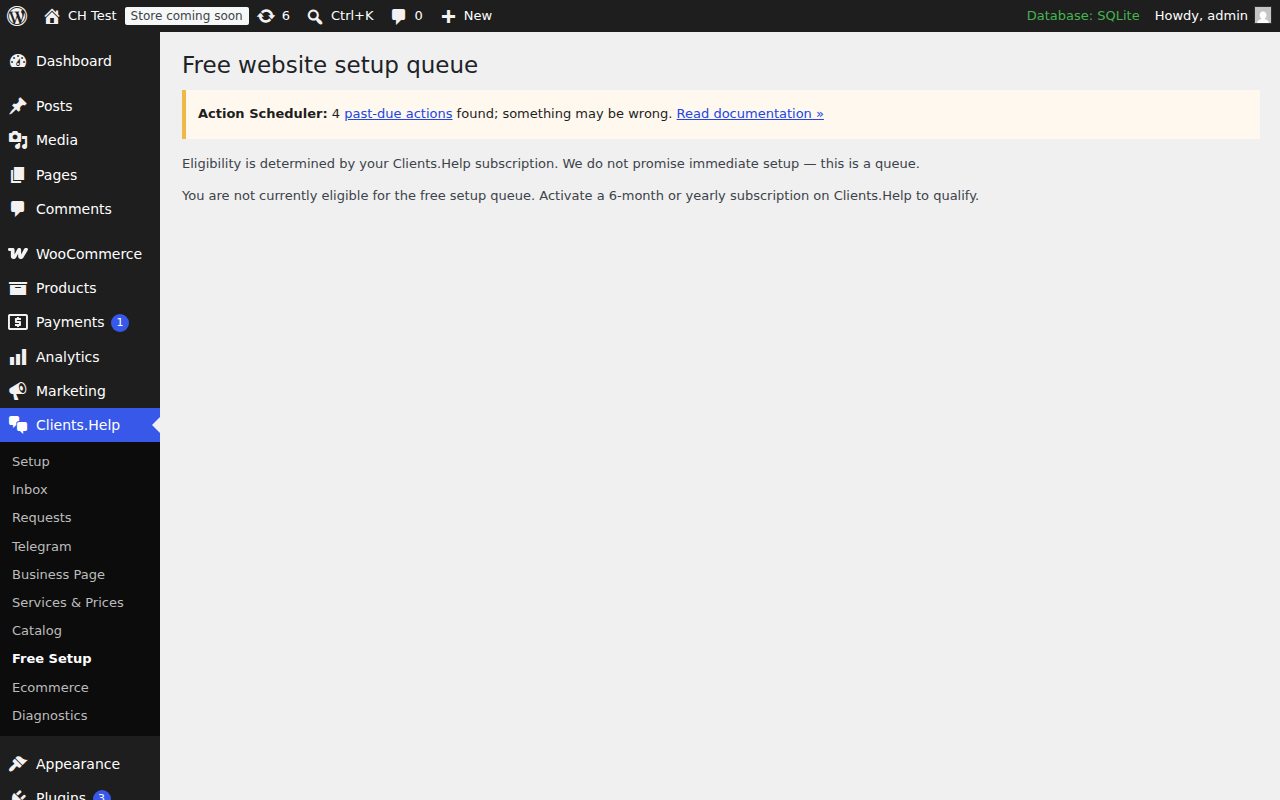
- Business page, services & prices, requests, catalog and free setup queue screens.
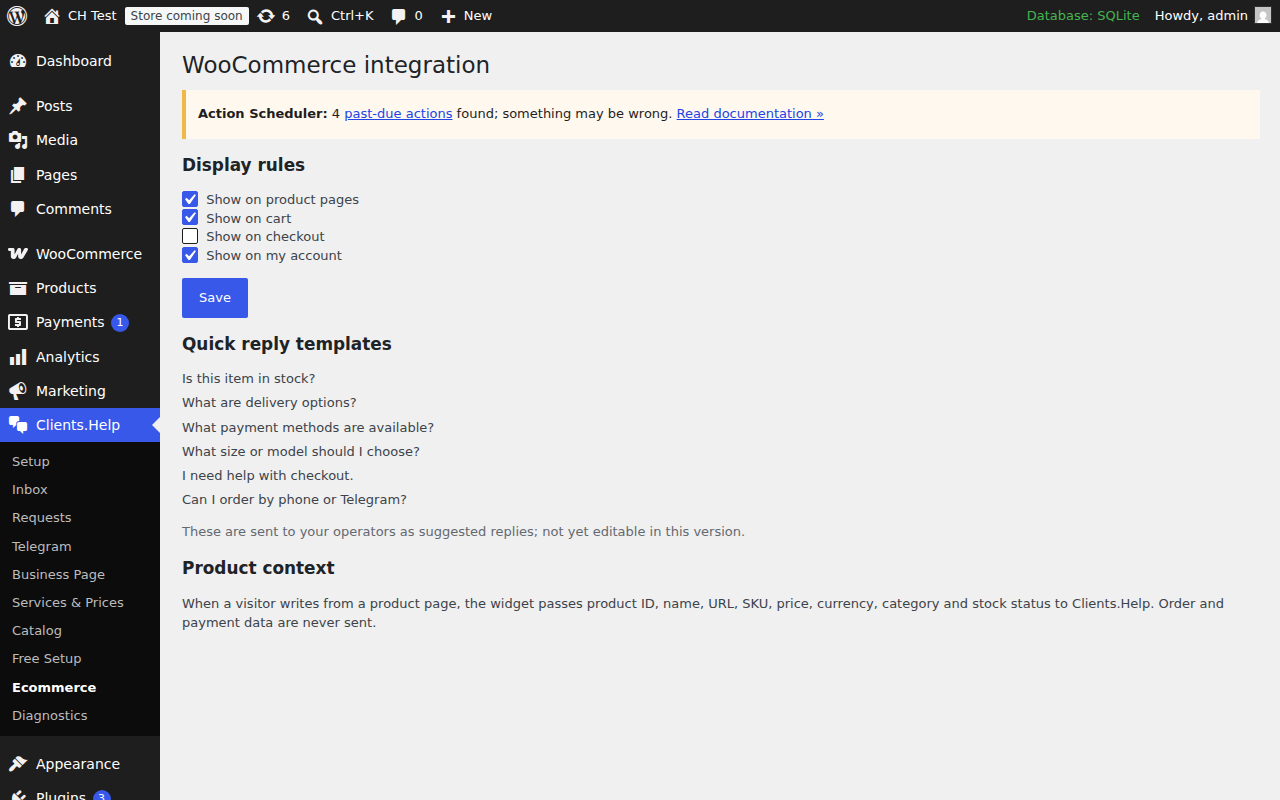
- WooCommerce integration: widget display rules per page type and product context (product id, name, URL, SKU, price, currency, category, stock status) sent with each conversation.
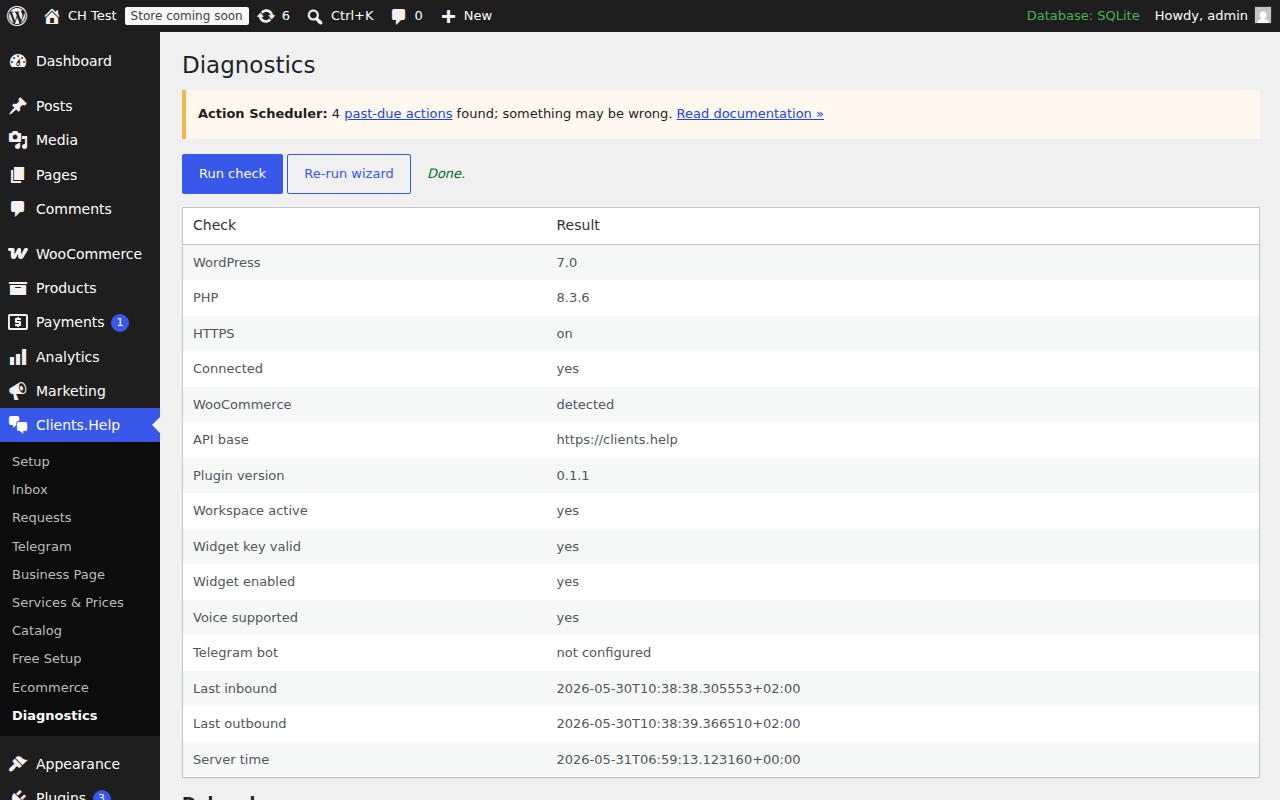
- Diagnostics page with a downloadable debug log.
All conversation, request and voice data is stored in Clients.Help — WordPress is the operator surface, not the source of truth.
External services
This plugin loads the Clients.Help widget script from https://clients.help/widget.js and exchanges data with https://clients.help/api/plugin/....
Data sent to Clients.Help includes:
- visitor messages, optional name/phone/email;
- source URL and referrer;
- WooCommerce product/page context when present;
- voice recordings (if the visitor records one) and transcripts generated by Clients.Help;
- operator replies you compose in WordPress.
See https://clients.help/privacy and https://clients.help/terms.
Screenshots
Blocks
This plugin provides 1 block.
- Widget
Installation
- Upload the plugin folder to
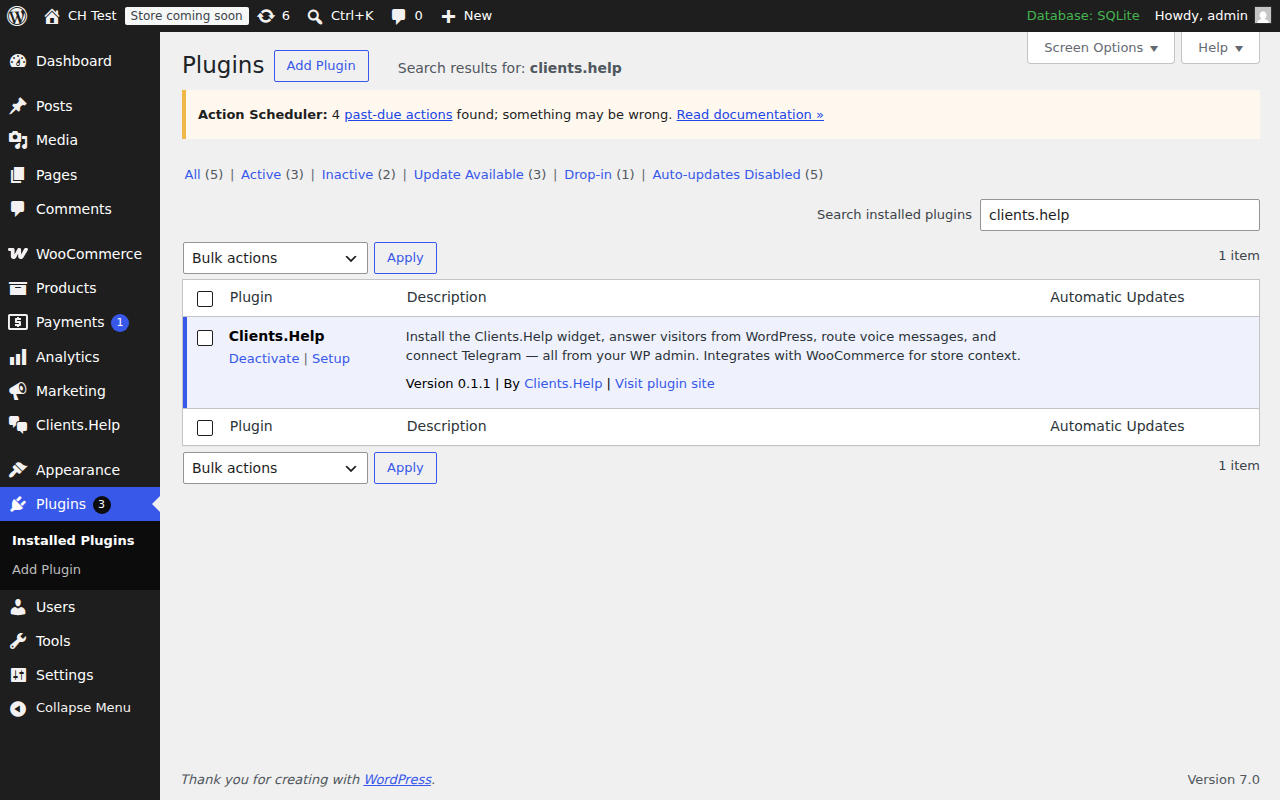
/wp-content/plugins/or install via the WordPress admin. - Activate it.
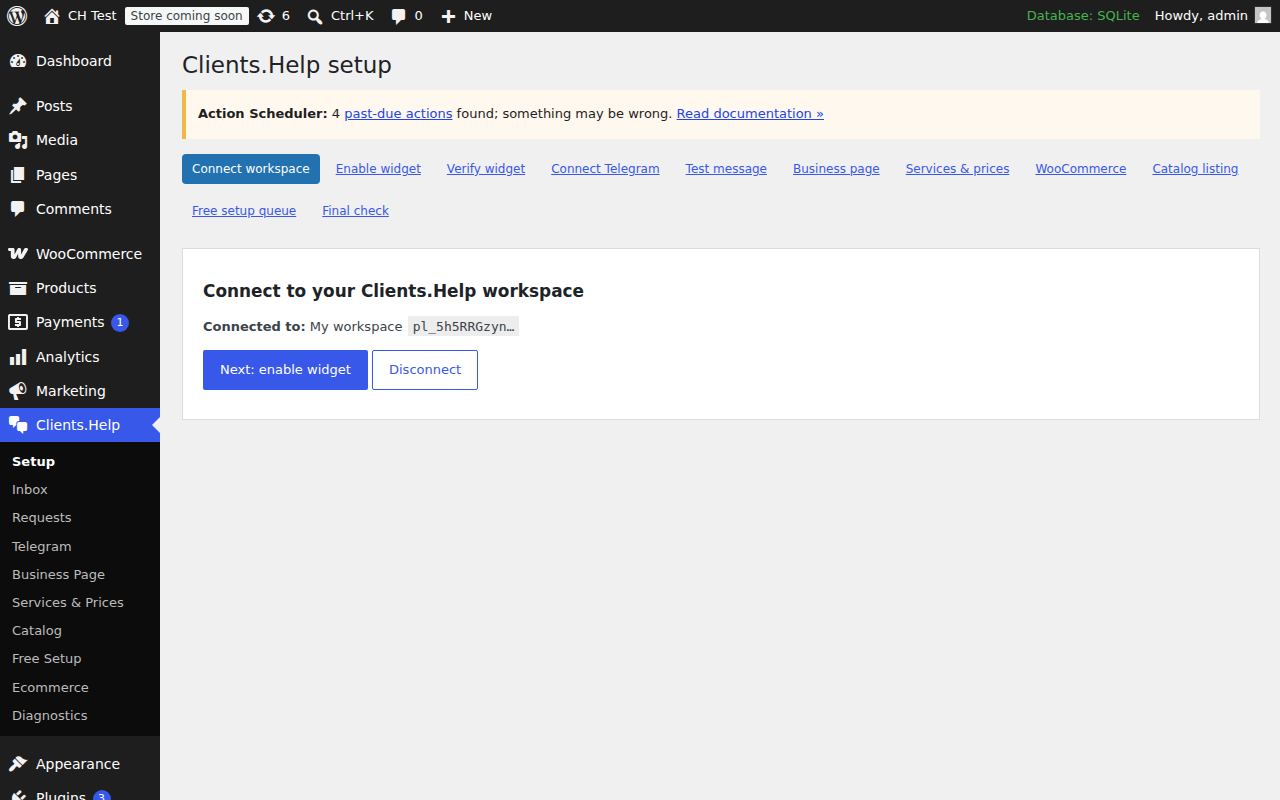
- Open the Clients.Help menu in WordPress admin and follow the setup wizard.
- Paste the connect code from your Clients.Help dashboard.
FAQ
-
Where do the messages live?
-
On Clients.Help servers. WordPress only stores plugin settings.
-
Do I have to enter a Telegram bot token?
-
No. Clients.Help operates a shared Telegram bot. You connect by clicking a link.
-
Does this break WooCommerce checkout?
-
No. The plugin never modifies cart, checkout, payment, or order data.
Reviews
There are no reviews for this plugin.
Contributors & Developers
“Clients.Help” is open source software. The following people have contributed to this plugin.
Contributors
“Clients.Help” has been translated into 2 locales. Thank you to the translators for their contributions.
Translate “Clients.Help” into your language.
Interested in development?
Browse the code, check out the SVN repository, or subscribe to the development log by RSS.
Changelog
1.0.0
- First public release.
- Translated into 36 languages (UI strings plus JavaScript admin via JSON translations).
- Setup wizard step labels are now fully translatable.
- Tested up to WordPress 7.0.
0.1.1
- Inbox polls every 7 s, highlights new conversations, shows unread badge in admin menu, optional sound toggle.
- Telegram screen and wizard “Send test” step hide the test button when the shared bot is not configured and show a customer-friendly notice instead of raw error codes.
- “Services & Prices” screen renamed to “Business Services & Prices” with a clarifying note that these are visitor-facing services, not Clients.Help subscription plans. Delete now opens a confirmation modal. Imported services (e.g. WooCommerce) cannot be deleted from this screen.
- Verified WooCommerce product context end-to-end: product id, name, URL, SKU, price, currency, category and stock status are forwarded with each conversation.
- No backend changes.
0.1.0
- Initial release: widget injection, admin inbox, voice playback, Telegram screen, business page, services, requests, catalog, free setup queue, WooCommerce integration, diagnostics, EN/RU/UK translations.